Virtual dress try-on
See any dress on your own photo, from everyday dresses to prom and wedding dresses. Upload your photo and a screenshot of the dress from any store.
Try on a dressFirst try-on free, then 5 try-ons for $1. Your own photos only, 18+.
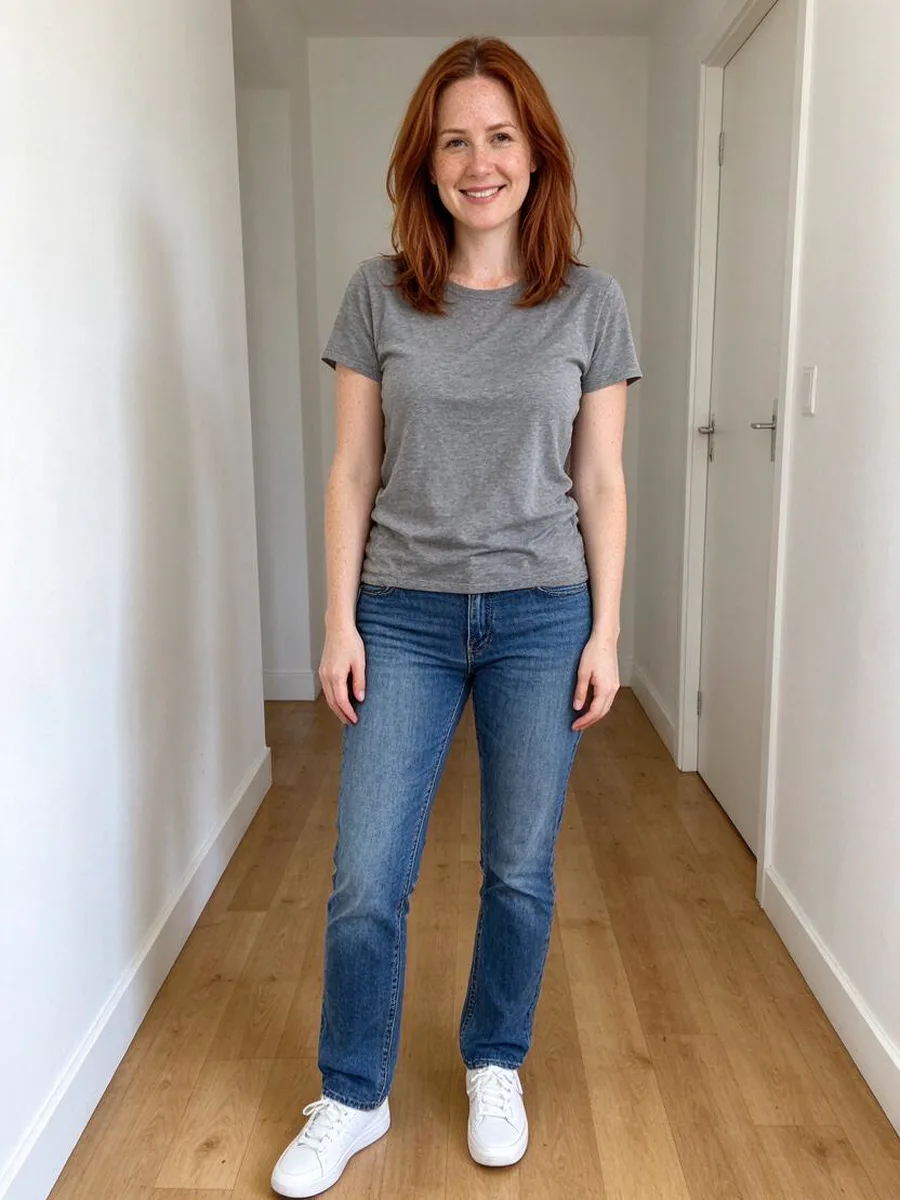 Before
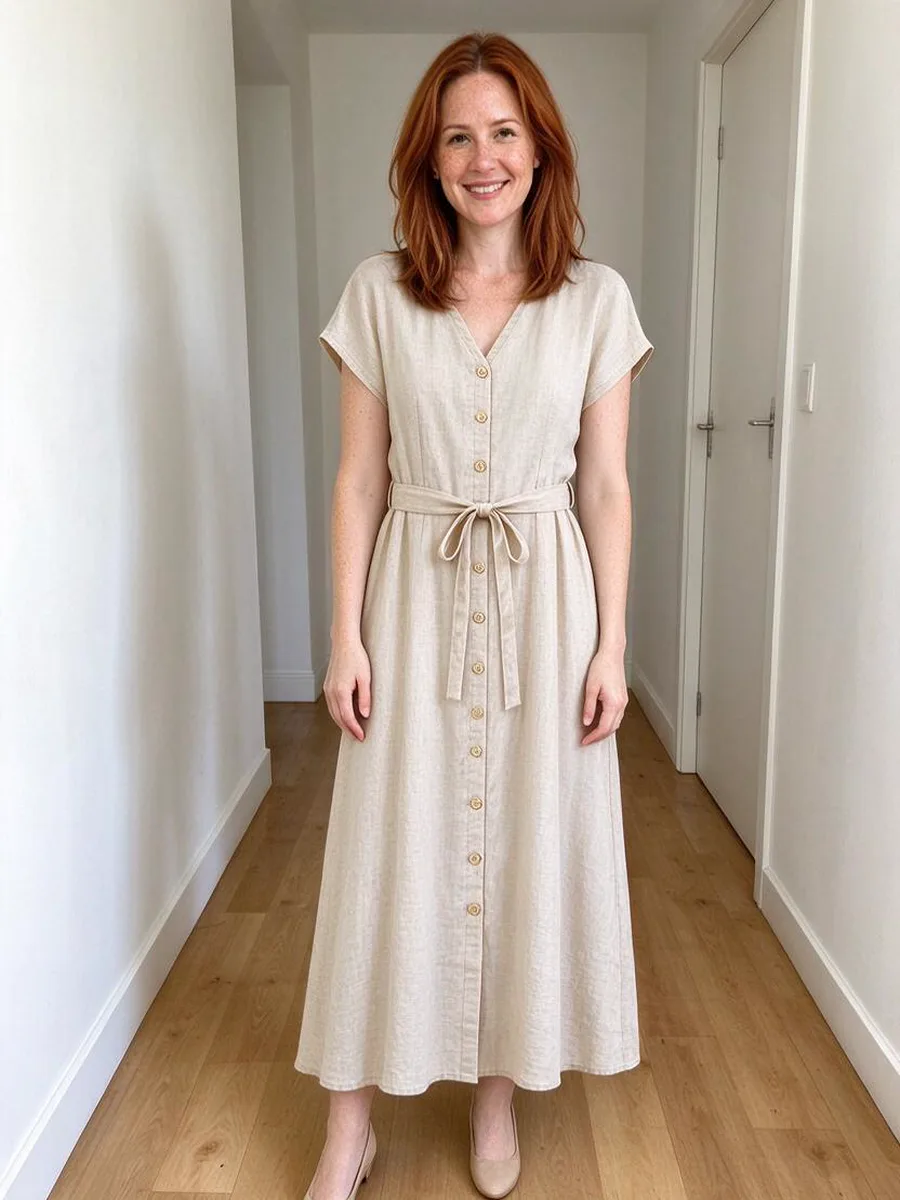 After
How to try on a dress virtually
- 1
Add your photo
One clear full-body or waist-up photo of you, facing the camera. - 2
Add the dress
A product photo or a screenshot from any store page, or pick one from the gallery. - 3
See it on you
Compare looks, save the one you like or share it.
Dresses to try
BeforeAfter Before
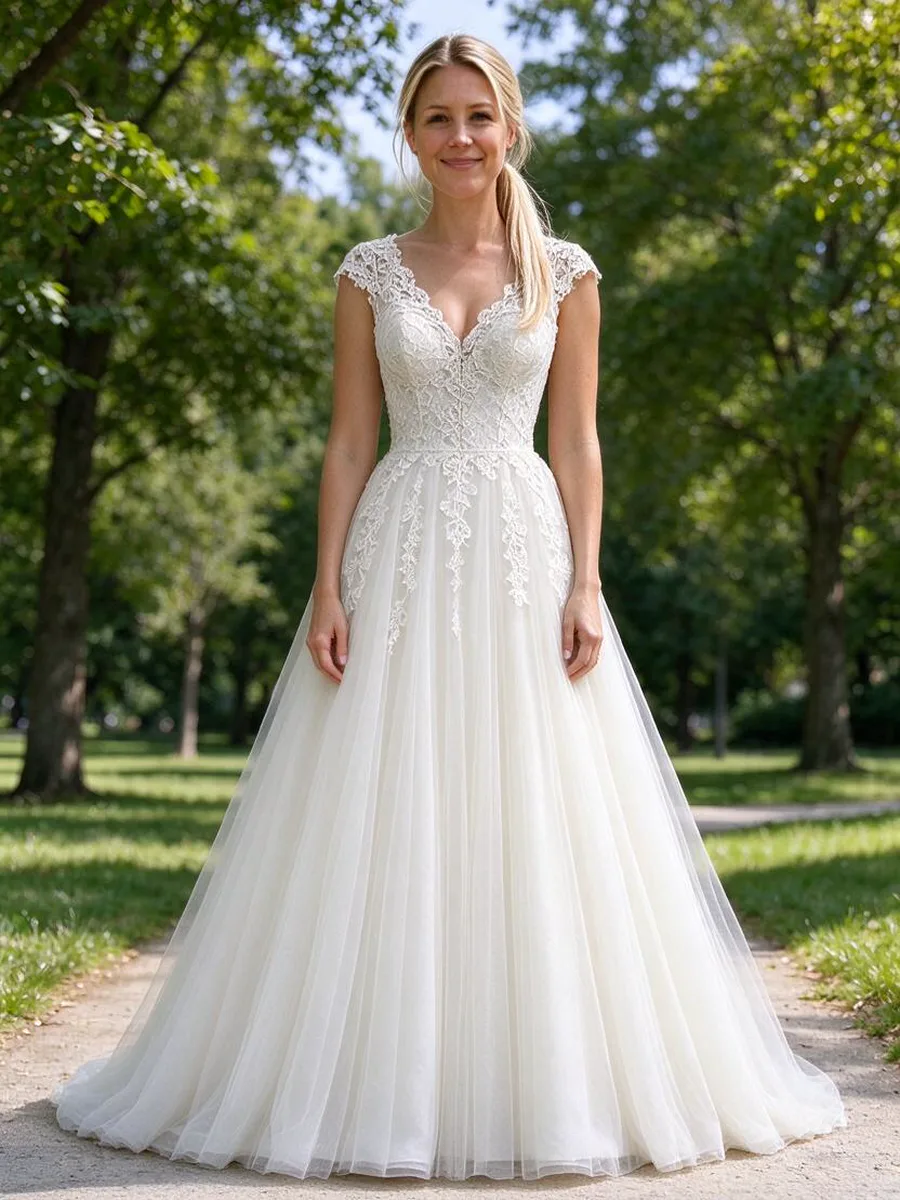 After
Questions about dresses try-on
Can I try on a wedding dress online?
Yes. Upload a photo of yourself and a photo of the dress to see it on you before a fitting.
Does it change my face or body?
No. It is built to keep your face, body shape and pose and change only the clothing.
Will it show the right size?
It shows how the item looks on you, not the size. Check the store size chart for fit.
Who can use it?
Adults 18+ with their own photo only. Photos of other people are not allowed.
See it on you in a minuteFirst try-on free, then 5 try-ons for $1Try on a dress