Try on vacation outfits online
Ordering for a trip with no time for returns? See linen dresses, resort sets and beach cover-ups on your own photo first.
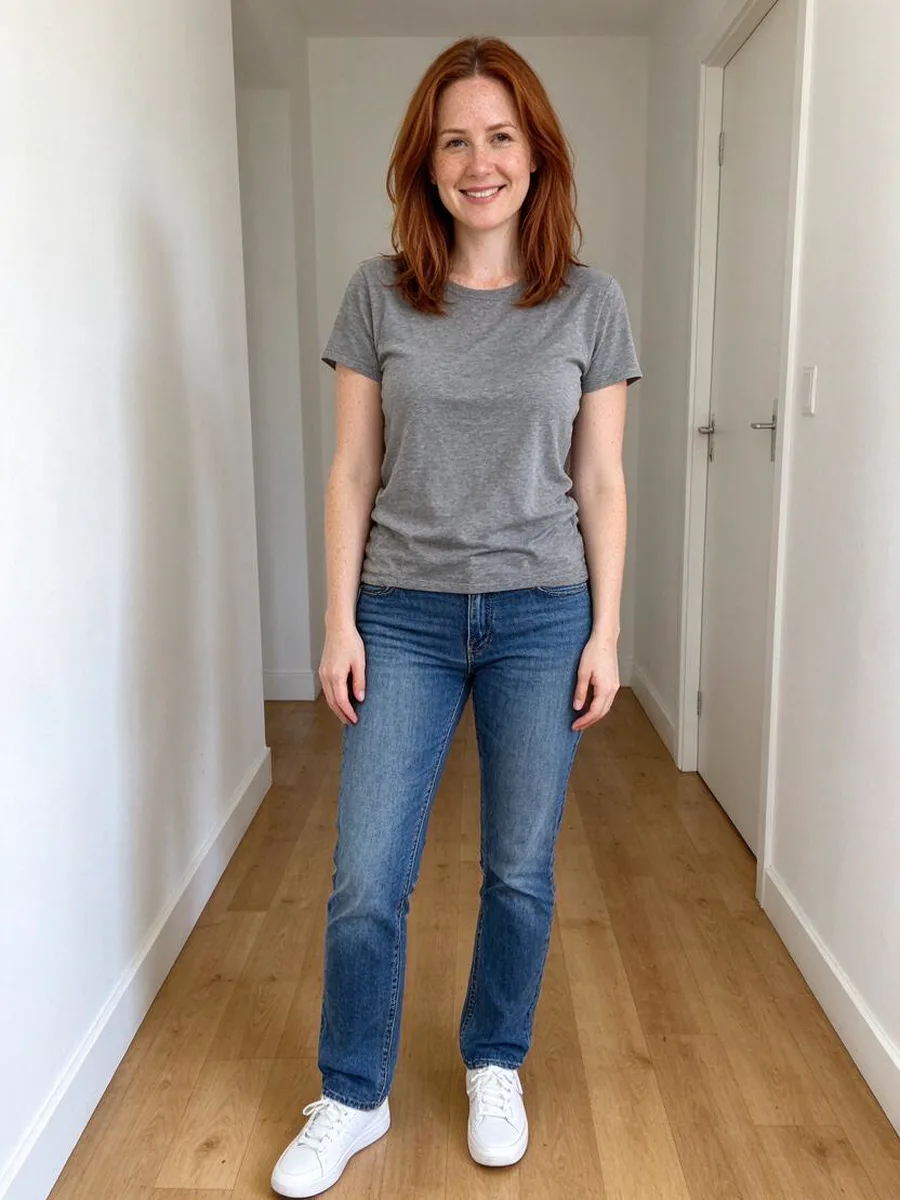 Before
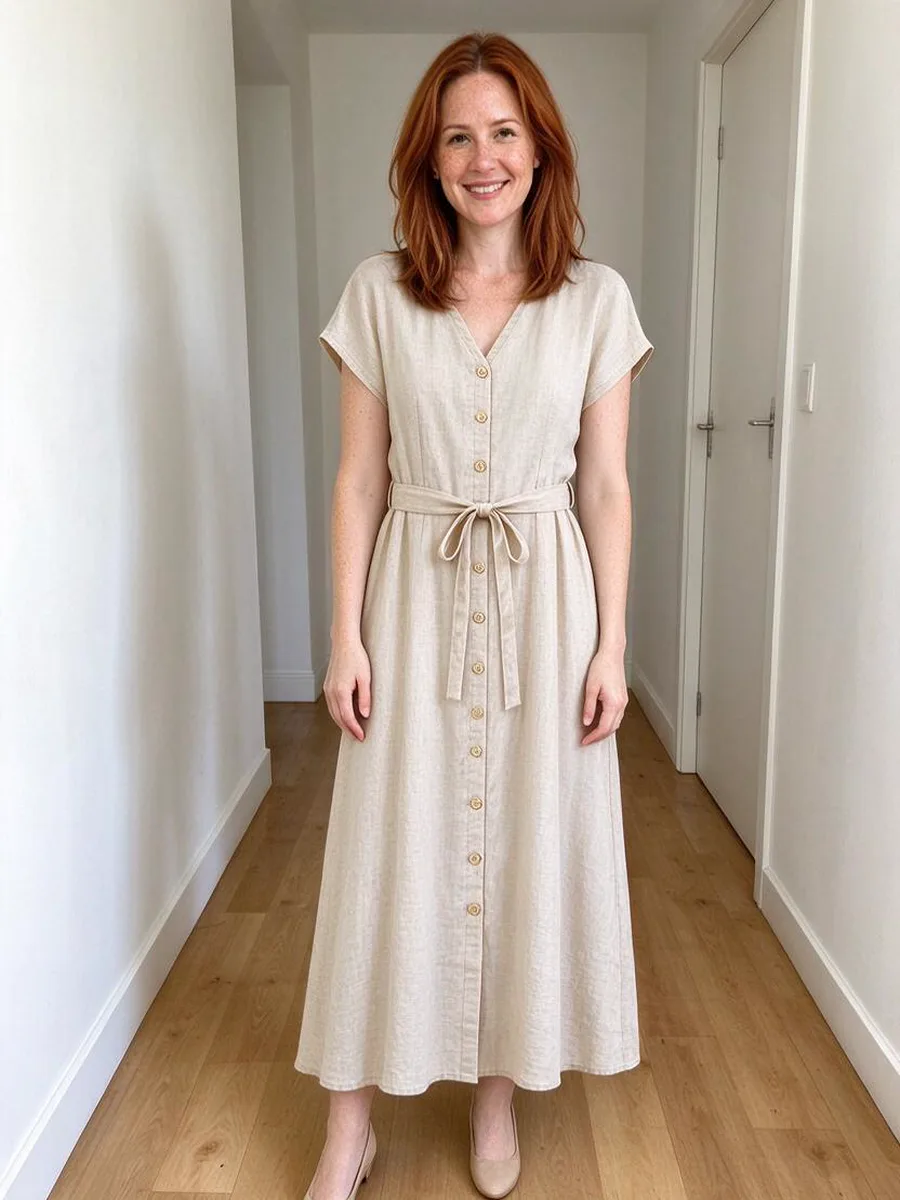 After
Before a trip you can preview holiday clothes on yourself: upload a full-length photo and a product photo of the dress, set or cover-up from any store. Aloza shows it on you in about a minute. It helps you order fewer, better pieces; it shows the look, not the size.
How to try on holiday clothes online
- 1
Add your photo
A full-length photo in daylight. Summer clothes are light and loose, so a clear outline of your body helps. - 2
Add the holiday piece
A linen dress, a shirt and shorts set, a kaftan or a cover-up: a product photo or screenshot from any store. - 3
Plan what to pack
Save the looks you like and order only the ones you would wear more than once.
A linen dress, before and after
BeforeAfterTips for a holiday wardrobe
- Whites, creams and pastels depend heavily on skin tone: compare two shades before ordering.
- Check the delivery date first, then try on: a quick preview matters most when there is no time for a return.
- Swimsuits and bikinis can be tried on the same way, on your own photo only.
Questions about vacation outfit try-on
Can I try on beach dresses and cover-ups online?
Yes. Upload your photo and the product photo of the beach dress, kaftan or cover-up, and you see it on you before you order.
Will the background change to a beach?
No. The try-on keeps your own photo, background included, and changes only the clothes. To put yourself into a holiday scene, use Recreate a photo with a reference picture.
Does it work for men’s holiday clothes?
Yes: linen shirts, shorts, swim shorts and resort sets, on any adult’s own photo.
Can it tell me if linen will be see-through or crease?
No. A picture shows cut and color. Fabric weight, transparency and creasing are best checked in the product description and reviews.
Who can use it?
Adults 18+ with their own photo only. Photos of other people are not allowed.