Try on an outfit from a screenshot
Saw something you like in a store app, a video or a social feed? A screenshot is enough to see it on your own photo.
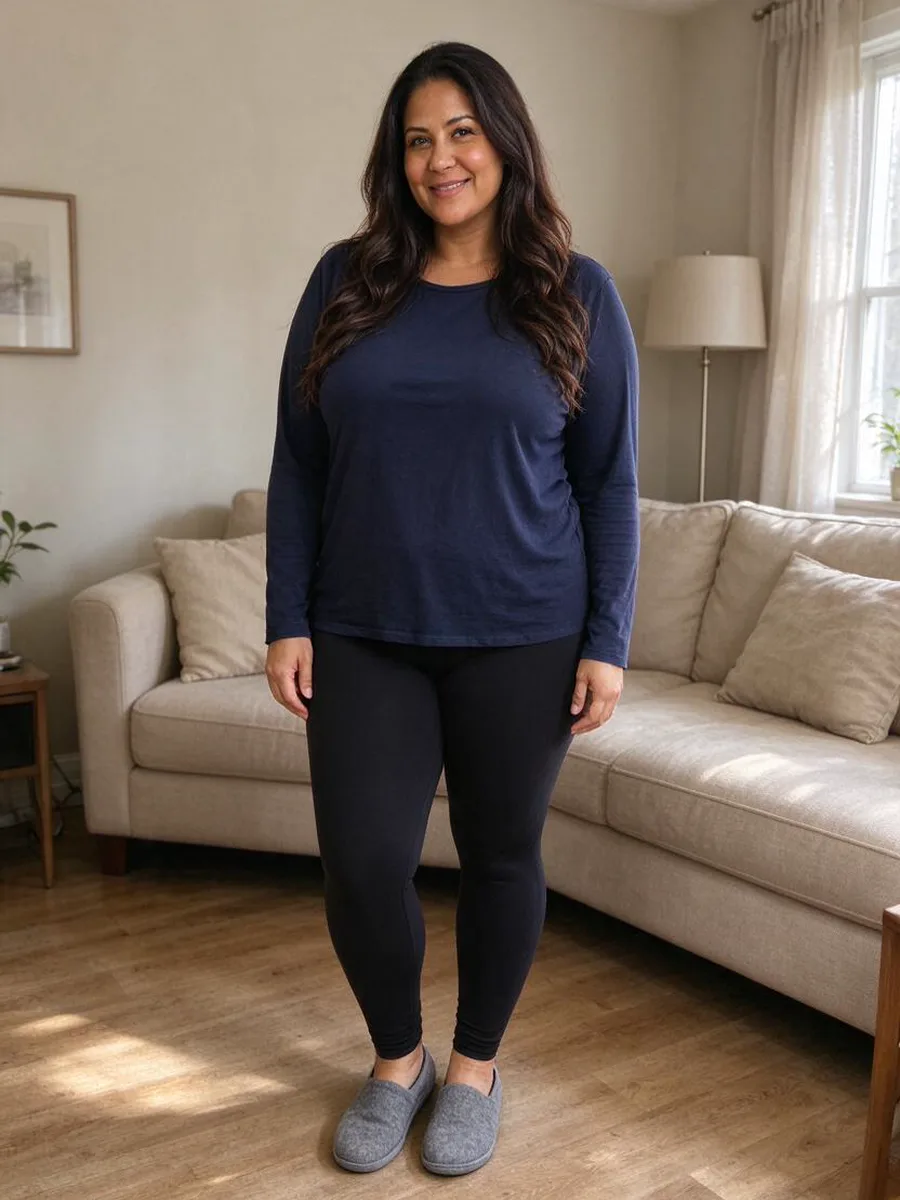 Before
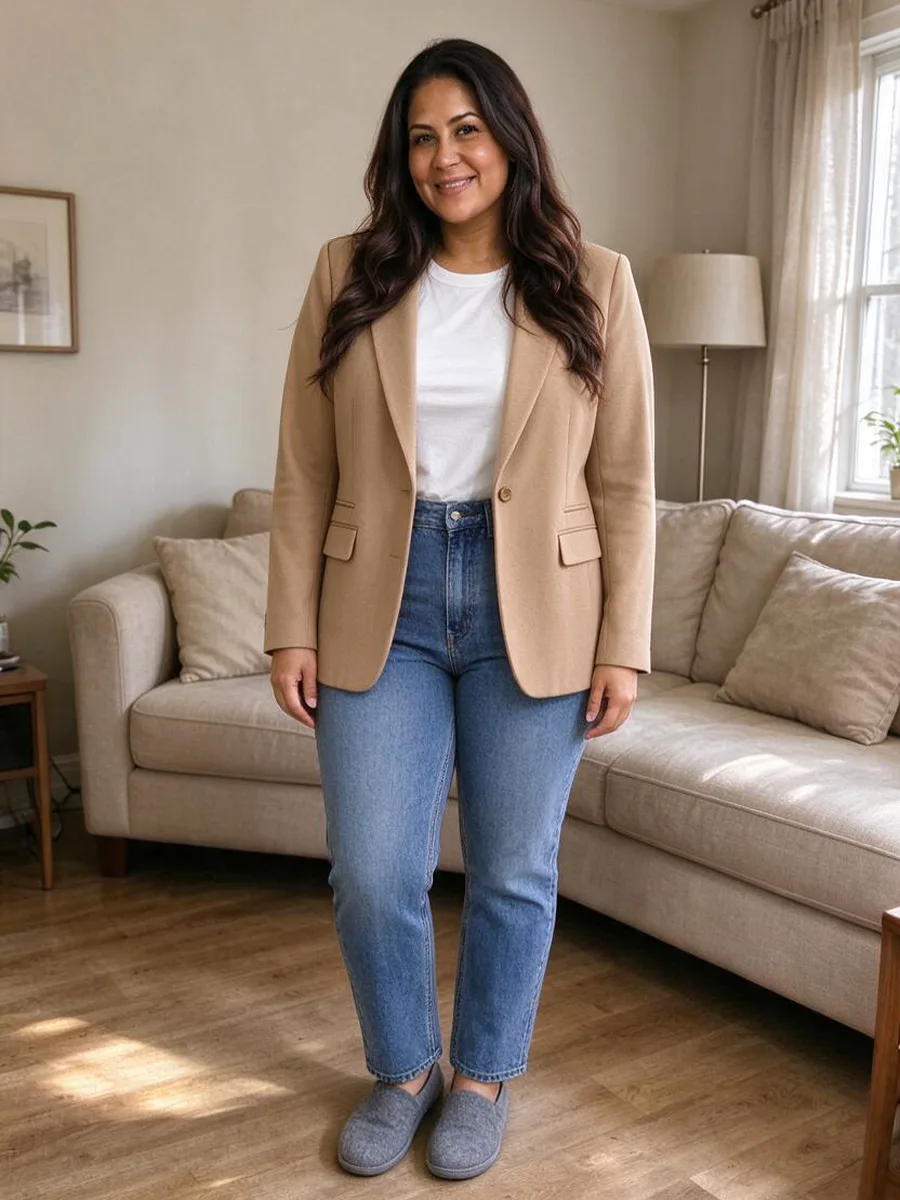 After
Yes, you can try on clothes from a screenshot. Take a screenshot of the item or outfit, upload it to Aloza together with a photo of yourself, and in about a minute you see those clothes on you. Your own photo stays as it is and only the clothing changes. Clear screenshots with the whole garment visible work best.
How to try on clothes from a screenshot
- 1
Take the screenshot
Open the picture full screen so the garment is as large as possible, then capture it. - 2
Add it with your photo
Upload your own photo, then the screenshot as the item. There is no need to edit it first. - 3
See the outfit on you
Check the result, try another screenshot and save the looks you like.
From a picture to your photo
BeforeAfter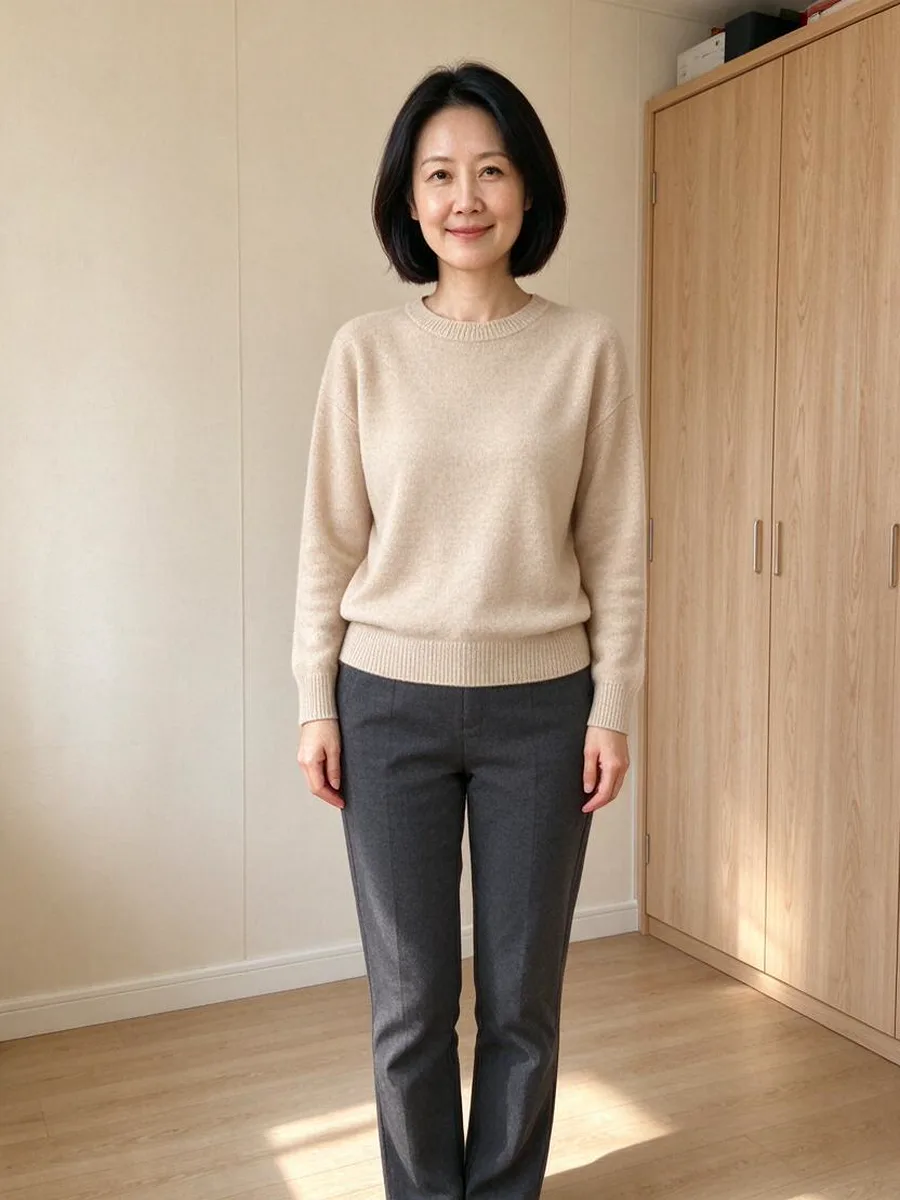 Before
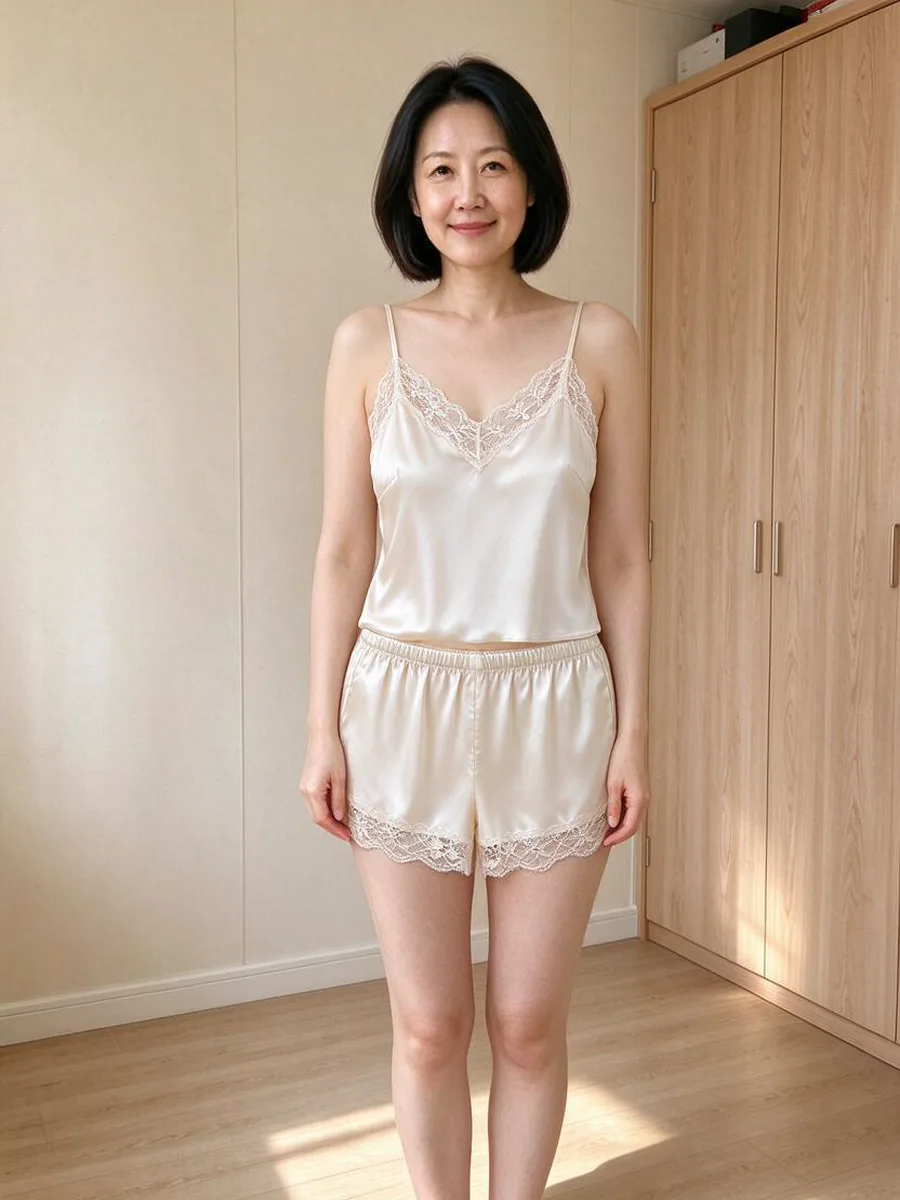 After
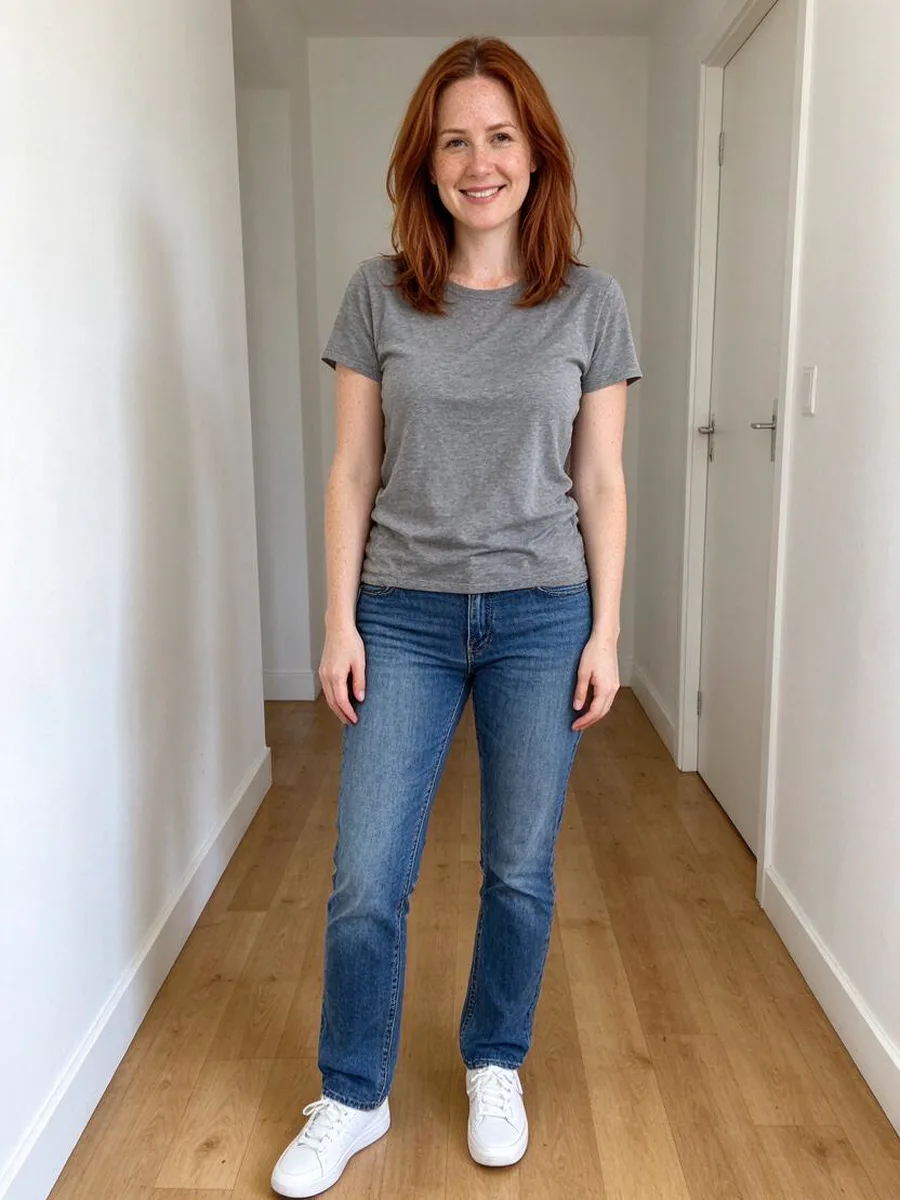 Before
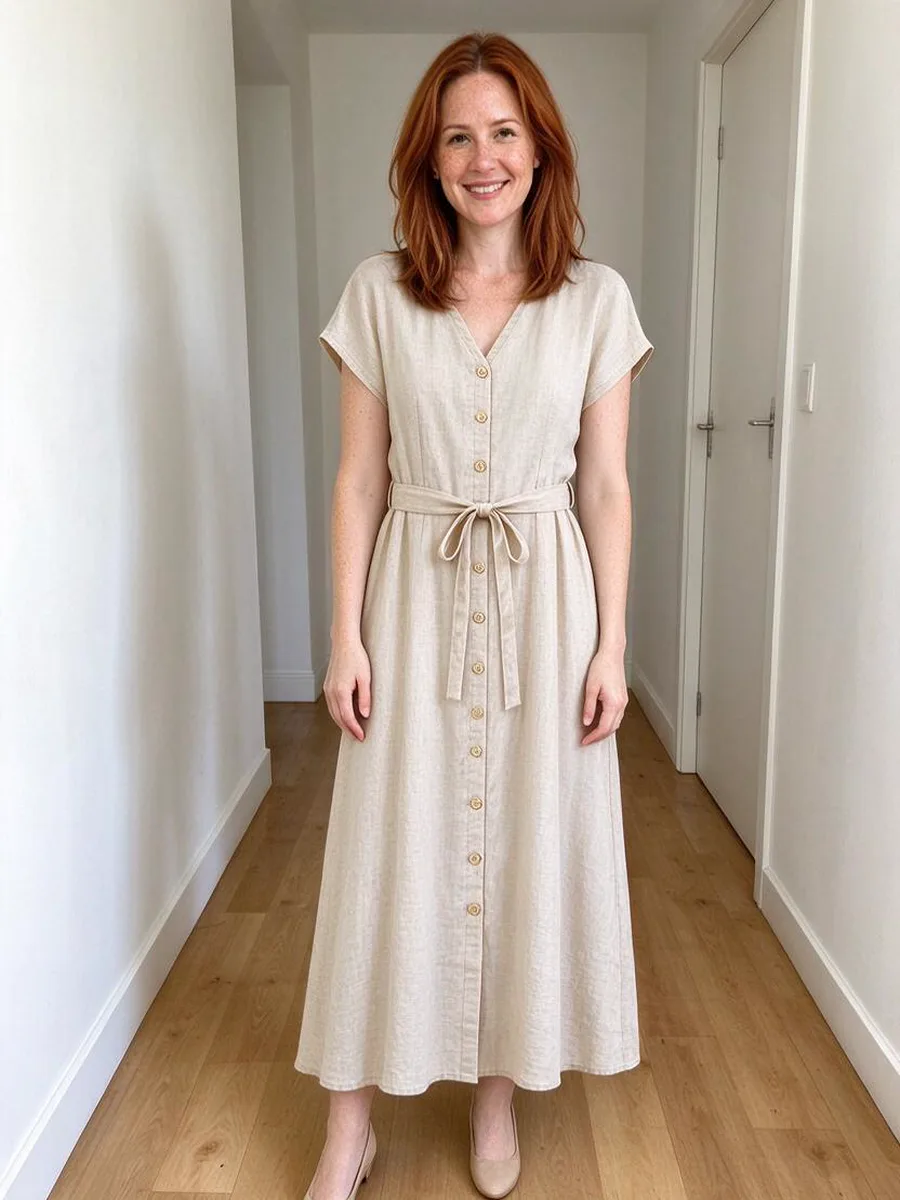 After
 Before
 After
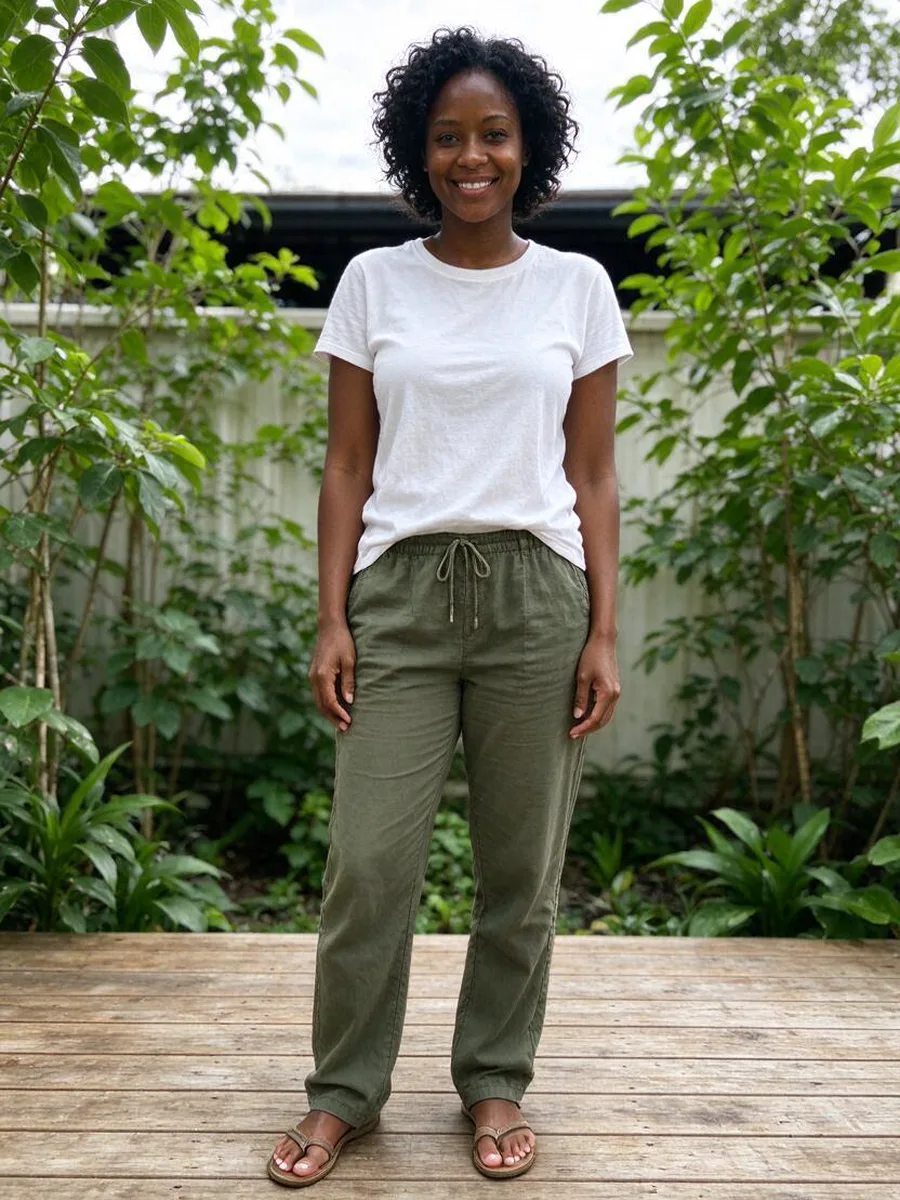 Before
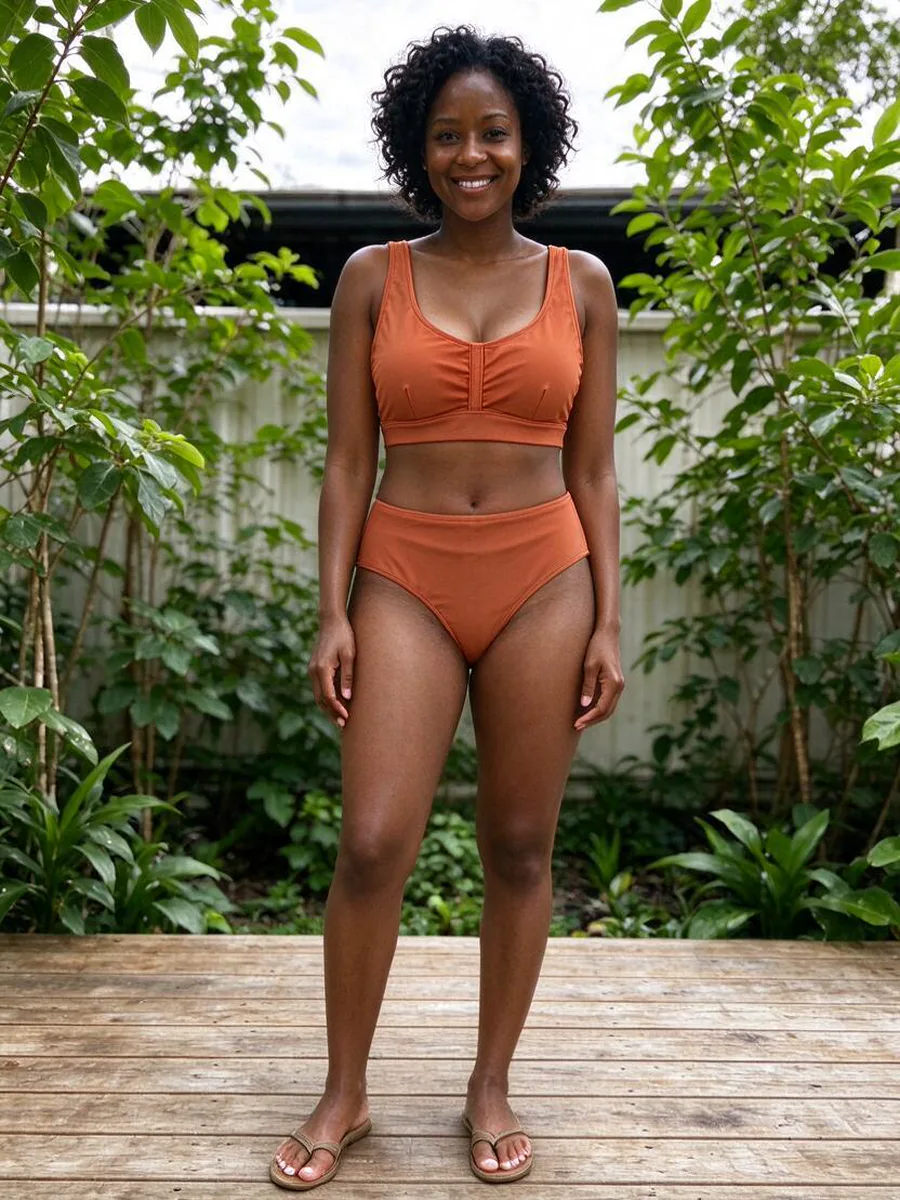 After
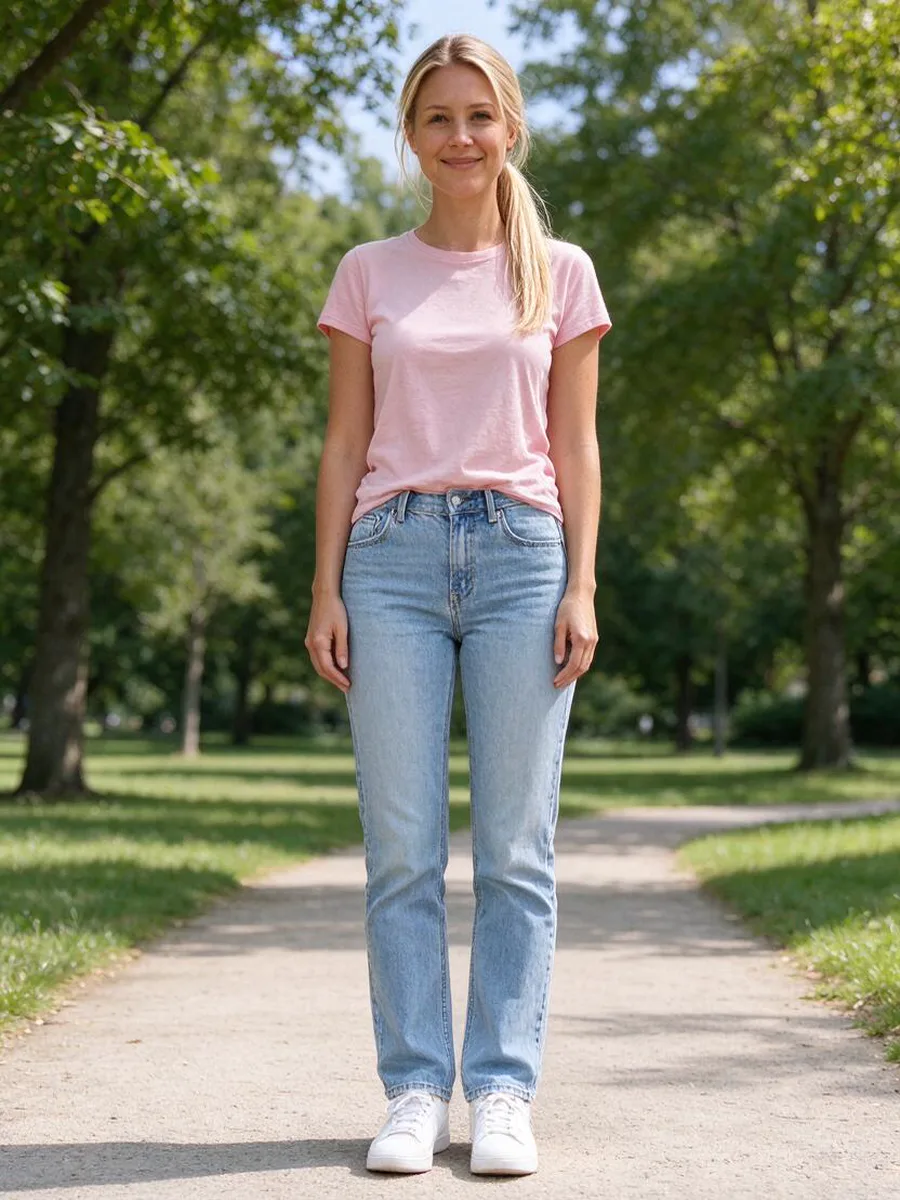 Before
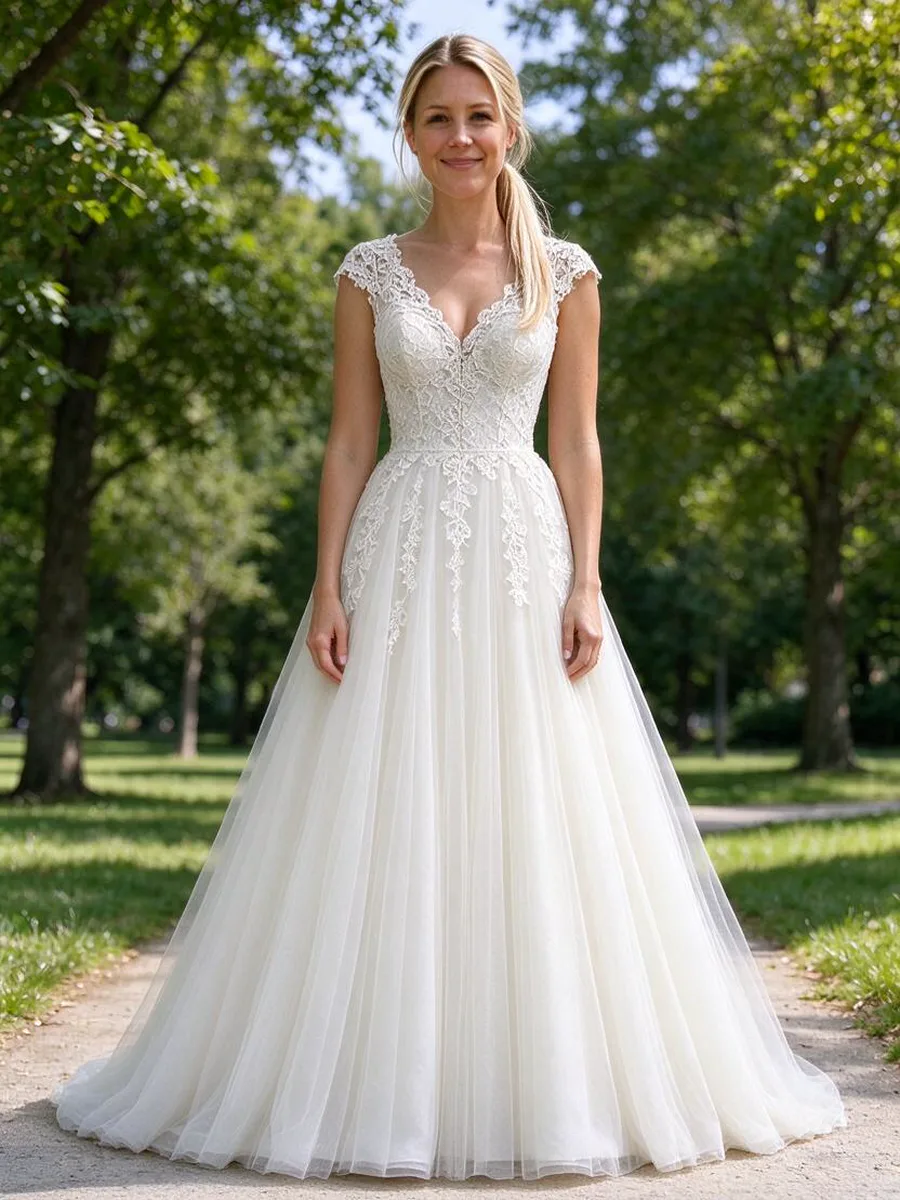 After
Which screenshots work best
- Buttons, captions and app menus around the picture are usually ignored, but cropping to the garment gives a cleaner result.
- One person or one item per screenshot: with a group photo it is unclear which outfit you mean.
- A paused video frame works if it is sharp; motion blur does not.
- Front-facing, well-lit pictures beat mirror selfies taken at an angle.
Questions about screenshot try-on
Can I try on an outfit from a social media post?
Yes. Screenshot the post and upload it as the item. The outfit is shown on your own photo; the person in the post is not copied.
What is the difference from Recreate a photo?
Try-on keeps your photo, pose and background and changes only the clothes. Recreate a photo rebuilds the whole picture (outfit, pose and setting) with you in it.
Do I have to crop the screenshot?
Not necessarily. Cropping to the clothes helps when the screenshot contains a lot of text or several pictures.
Does it work with a screenshot of a store page on my phone?
Yes. That is the most common use: screenshot the product photo in the store’s app or website and upload it.
Who can use it?
Adults 18+ with their own photo only. Photos of other people are not allowed.