Virtual try-on app with nothing to install
Aloza is a web app for trying on clothes: it opens in the browser on iPhone, Android and desktop, with no download and no avatar to set up.
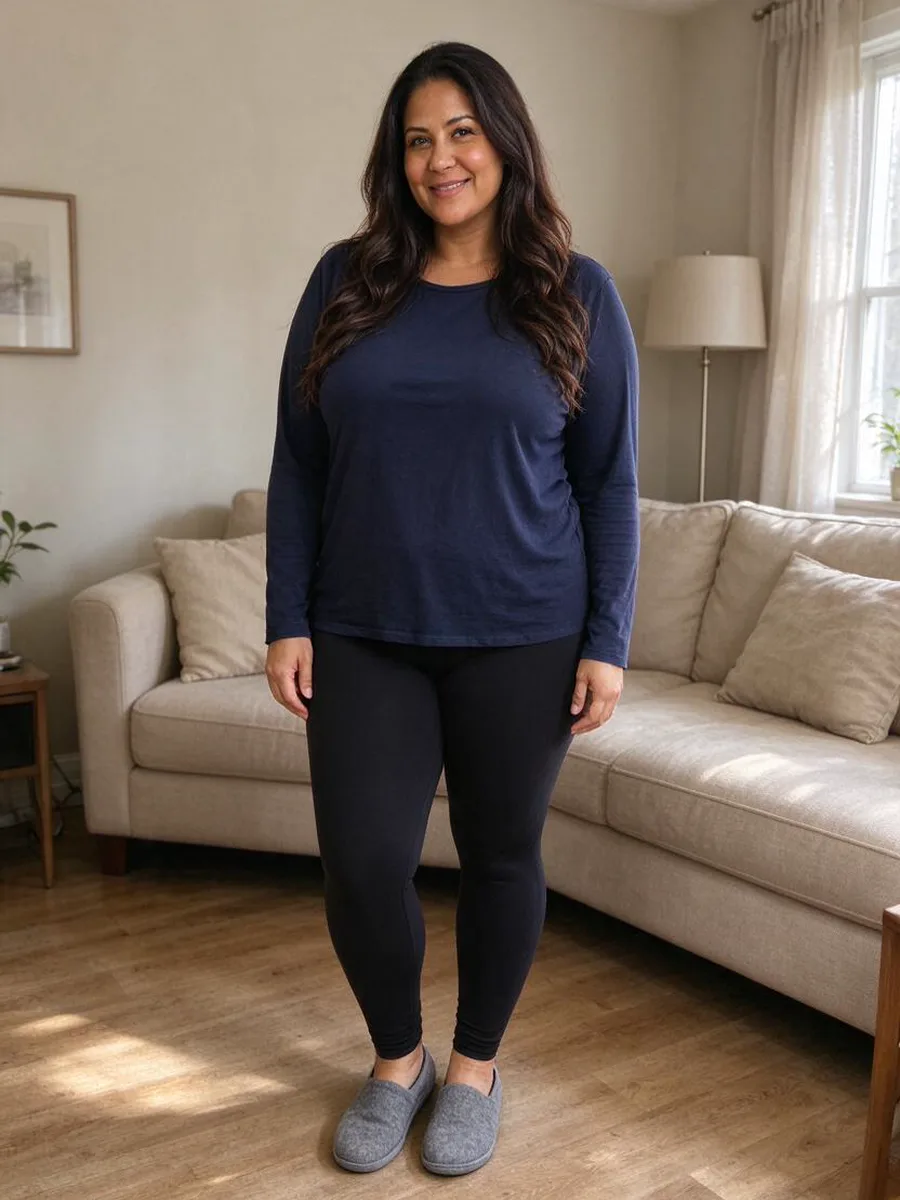 Before
 After
Yes, there is an app to try on clothes virtually. Aloza is a web app: open aloza.app in the browser of your phone or computer, add a photo of yourself and a photo of any clothing item, and see the item on you in about a minute. There is nothing to install, and it works with clothes from any store.
How to use the try-on app
- 1
Open it in your browser
On iPhone, Android or a computer. No app store, no update to wait for. - 2
Add your photo and an item
Take a photo or choose one from your camera roll, then add a product photo or a screenshot. - 3
Save or share the look
Results are kept in My looks; sign in to see them on your other devices.
Results made in the app
BeforeAfter Before
 After
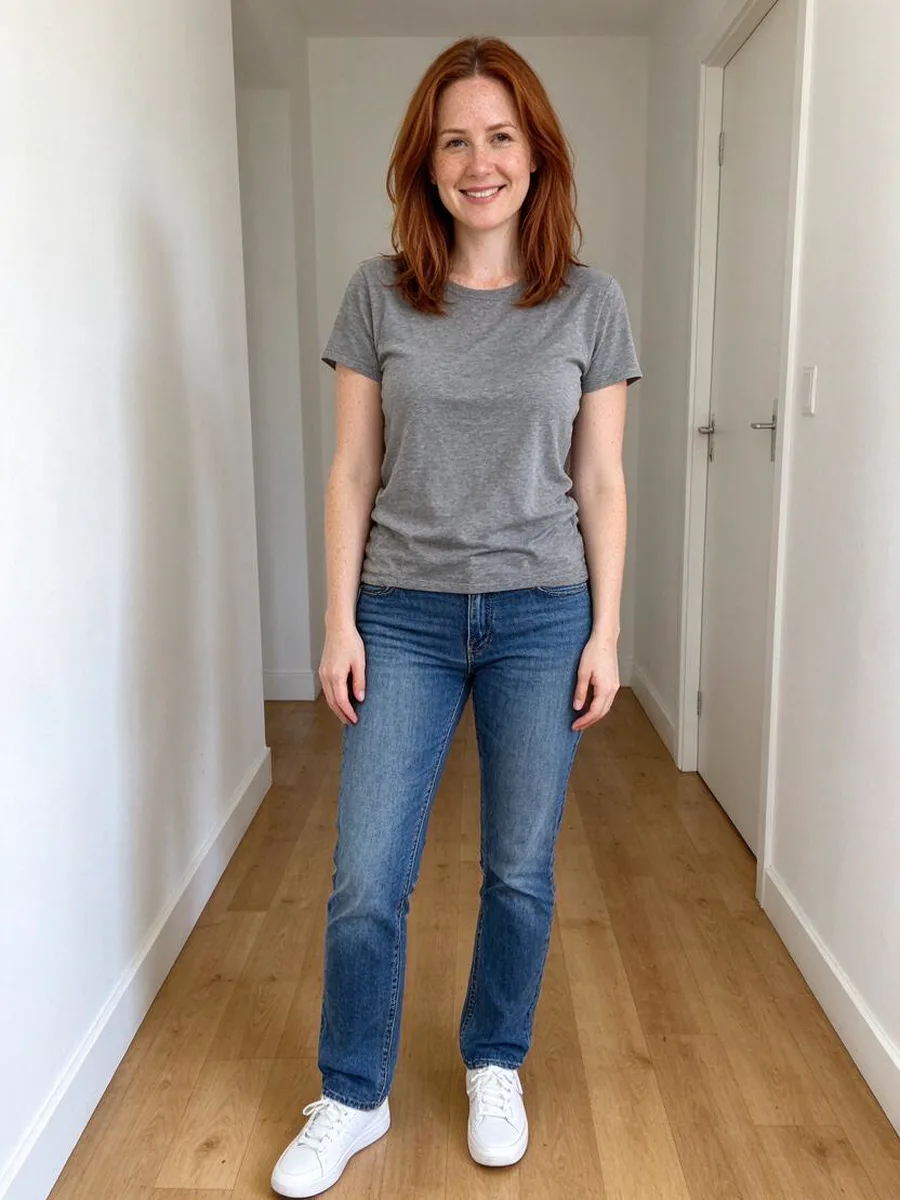 Before
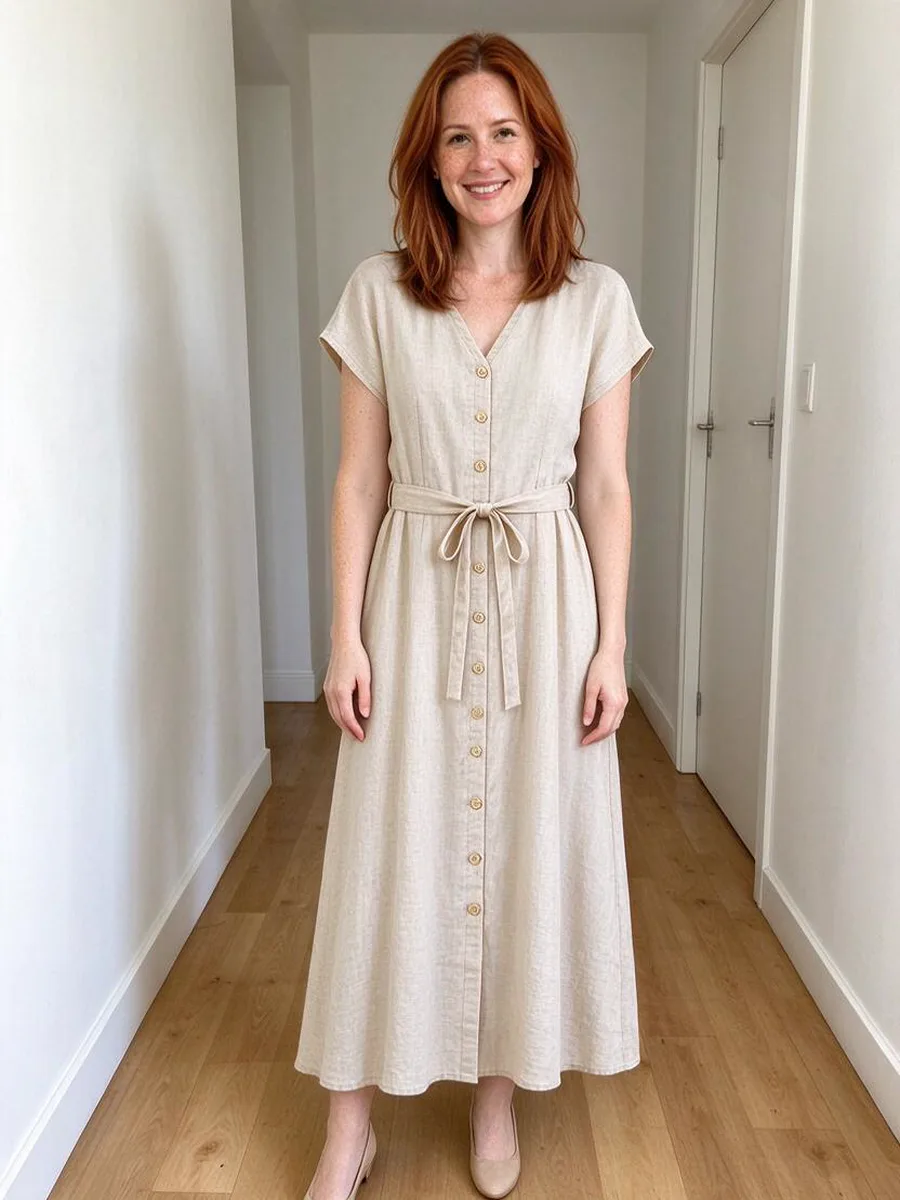 After
 Before
 After
 Before
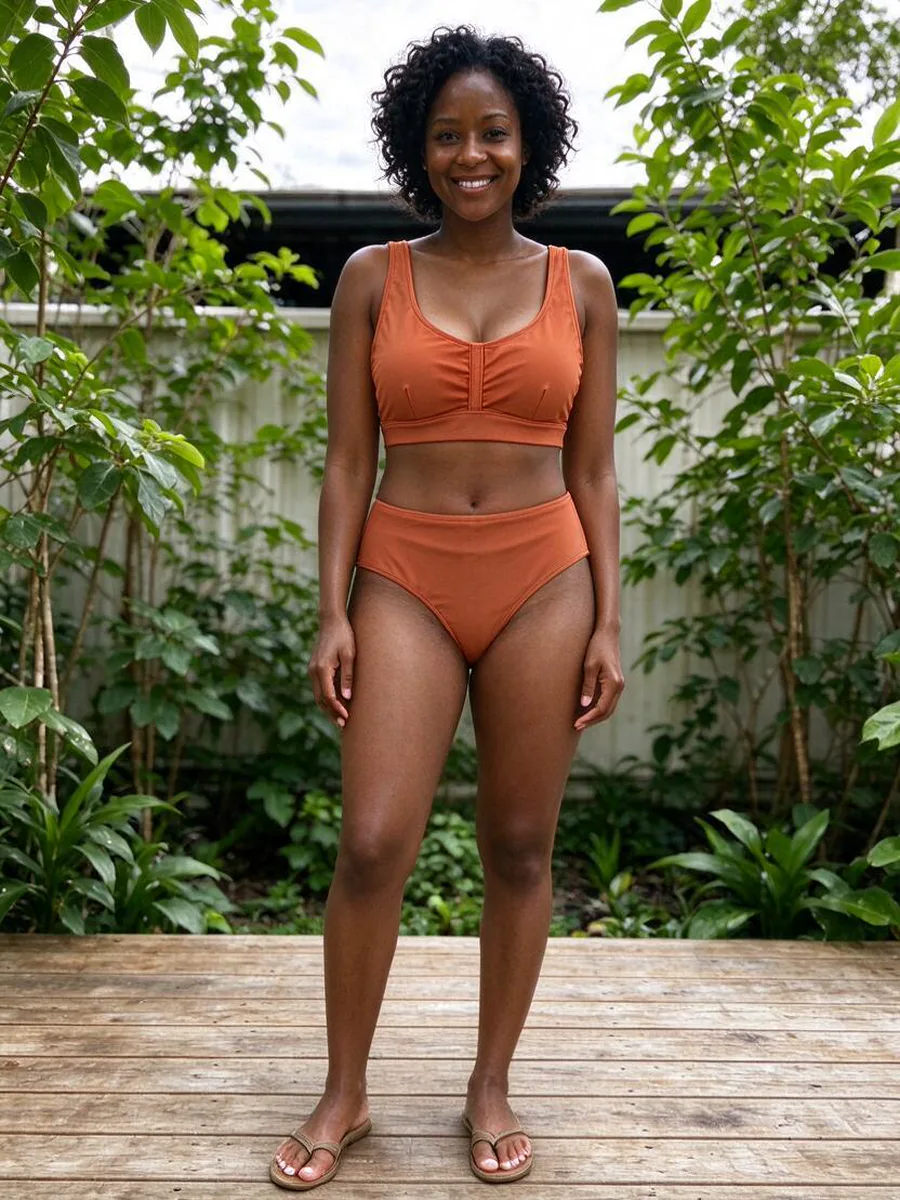 After
 Before
 After
Using it on your phone
- Add the site to your home screen from the browser menu to open it like an app.
- Ask someone to take your full-length photo or use the timer: in a mirror selfie the phone hides part of the outfit.
- Screenshots from store apps work as item photos, so you can go from a shop to the try-on without a computer.
Questions about the virtual try-on app
Is there an app to try on clothes virtually?
Yes. Aloza is a virtual try-on that works as a web app in any current browser, on phones and computers.
Do I need to download anything?
No. There is no download from an app store. You can add the site to your home screen if you want an icon.
Does it work on iPhone and Android?
Yes. It runs in Safari, Chrome and other current browsers on both, and on desktop.
What does it cost?
What a try-on costs you is shown next to the button before you start, and every price is shown before you pay. Paid plans are counted in try-ons.
Who can use it?
Adults 18+ with their own photo only. Photos of other people are not allowed.